MemeDash VIP Panel & VIP Menu
Create or join a VIP server, press N for the VIP Menu, and practice movement without public lobby noise.
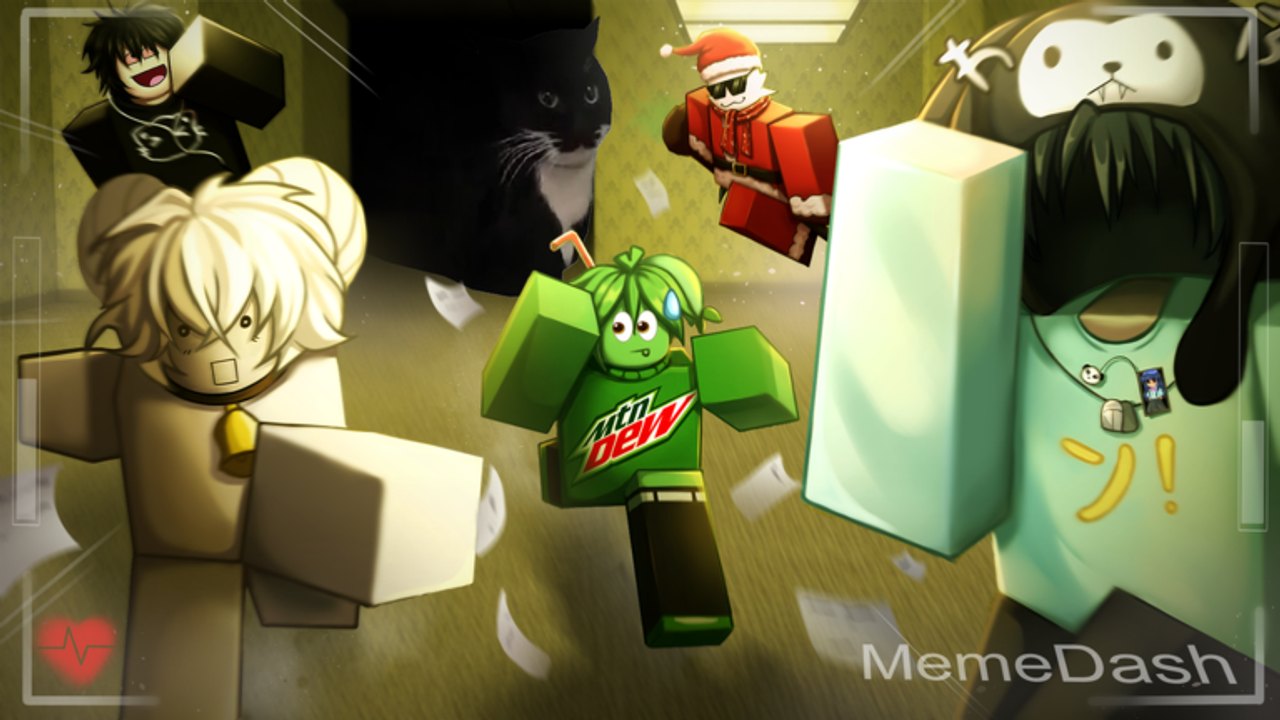
Official Coleslaw Studio copy for [v0.6] MemeDash [BETA] calls out a clear feature: VIP servers now have a VIP panel with many fun features. This guide explains what that means in practice, how to open the panel, how Roblox VIP servers work in general, and how to use a quiet lobby to grind movement without mixing the VIP tools up with promo codes or scripts.
MemeDash is a Roblox survival / parkour movement game by Coleslaw Studio. Early access opened around 24 June 2026. Public servers cap at about 15 players. The live universe id is 10388903695. The beta still warns that the game can contain bugs—VIP practice is one of the best ways to learn tech before you bring it into crowded public rounds.
If you are brand new, skim Getting Started and the Controls table first so M versus N already make sense.
Official notice: VIP panel on VIP servers
The experience description is the source of truth: VIP servers include a VIP panel packed with fun host-side features. The panel is not a separate Roblox app. It lives inside MemeDash when you are in a VIP server context that the build recognizes.
Treat the panel as a sandbox toolkit. Exact toggles can shift between beta builds, so open it every patch week and re-learn the layout instead of memorizing one screenshot forever. When Coleslaw ships movement or VIP changes, cross-check the Updates Hub rather than trusting old clips alone.
N opens VIP Menu; M opens the normal menu
Default binds from the official listing:
| Key | Menu |
|---|---|
| M | Normal / main menu |
| N | VIP Menu (VIP panel access in VIP context) |
Muscle-memory rule: M for everyday settings and leave flows; N only when you expect VIP tools. If N does nothing on a public server, you are probably not in a VIP lobby—create or join a VIP server, then press N again. Do not spam N in public and assume the feature is broken.
Zoom (Z), crouch/slide (C / Left Ctrl), and emote (G) still work the same way in VIP. The panel does not replace learning those binds; it gives you a quieter room to use them. Full bind notes live on Controls.
Why VIP is perfect for quiet movement practice
Public lobbies are chaotic on purpose. Fifteen players, bots, and flashy routes make it hard to hear your own jump timing. VIP servers let you:
- Drill bunny hop air strafes without body-blocks—follow How to Bunny Hop
- Practice slide entries and slide-to-hop exits on flat ground
- Time emote dash / edash bursts with G after hops feel stable
- Experiment with trimp and backward bhop without an audience judging every wipe
- Record clean clips for friends or for your own review
- Optionally hunt badge curiosity after drills—see Badges
A simple VIP session structure:
- Host or join VIP, confirm N opens the VIP Menu.
- Spend five minutes on flat-ground hop chains only.
- Add slide entries for five minutes.
- Add one edash timing block.
- End while focus is still high—short clean blocks beat hour-long tilt.
Bring polished lines back into public servers later. Public pressure teaches route reading; VIP teaches input honesty.
How to create or join VIP servers on Roblox
Roblox VIP (private) servers are a platform feature, not unique to MemeDash, but the flow matters for this wiki:
Create a VIP / private server
- Open the official MemeDash experience page (Coleslaw Studio / universe 10388903695—use the play link from Official Links if search is noisy).
- Use Roblox’s Servers / private server controls on the experience page (wording varies slightly by client).
- Create a private server if you have access—some experiences offer free private servers; others use Roblox private-server products. Follow the purchase or create dialog Roblox shows.
- Launch into your server, then press N in-game for the VIP Menu.
Join a friend’s VIP server
- Get an invite link or join through the friend’s server list / private server share flow Roblox provides.
- Confirm you landed in MemeDash [v0.6] BETA, not a lookalike place.
- Press N. If the host has VIP panel features enabled for guests, you should see the menu; if not, ask the host which panel options are host-only.
Host etiquette
- Tell guests whether the session is practice-only or free-for-all toys.
- Kick obvious exploiters so the lobby stays a skill sandbox—see safety notes on Scripts.
- Keep kicks fair; VIP is not a power-trip lounge.
- Point newer players to Getting Started instead of yelling “just bhop.”
Community hosting tips also appear on the Players Hub.
VIP is NOT for promo codes
Do not open the VIP panel looking for a code redeem box. Promo codes—when Coleslaw announces any—belong in whatever redeem UI the game or Roblox flow provides, tracked on this site under Codes. As of late 2026 research, there were no confirmed active public promo codes widely listed. Random Discord “VIP code” lists are usually bait.
If a stranger says “type this in the VIP menu for free items,” stop. That pitch mixes three different systems (VIP panel, codes, and often scripts) on purpose. Keep VIP for practice tools, codes for the Codes hub, and executors out of your account safety plan.
Safety: do not confuse VIP with scripts
| Tool | What it is | Risk |
|---|---|---|
| VIP panel (N on VIP servers) | Official in-game host/sandbox features | Low—built into the experience |
| Promo codes | Occasional redeem strings from studio | Low if redeemed through official UI |
| Third-party scripts / executors | Injected clients and hubs | High—ToS and account risk |
The Scripts Hub documents community script chatter for awareness. Learning movement with injected speed or noclip deletes the feedback loop VIP practice is meant to protect. If a “VIP GUI” download asks for an executor, that is not Coleslaw’s VIP panel—close it.
Also watch for impersonators selling “owner VIP panels,” fake early-access keys, or badge unlocks. Stick to the Coleslaw Studio group and the canonical experience linked from Wiki / Links.
Practice checklist inside VIP
Use this checklist once N works:
- Confirm you are on the real Coleslaw place and beta label.
- Open M once so you know where settings live, then close it.
- Open N and skim every panel section without enabling chaos options yet.
- Pick one skill for the session: hop, slide, edash, or a combined short route.
- Use Z zoom to scout thin edges before surf-style attempts.
- After ten clean reps, stop and note one mistake (late jump, held W, panic crouch).
- Optionally invite one friend; teaching a line once solidifies your own timing.
When a patch reshuffles movement feel, re-run the flat-ground drill in VIP before blaming yourself. Beta physics can move under your feet—that is expected in v0.6.
Related pages
- Controls — full bind table including N
- How to Bunny Hop — primary VIP drill
- How to Trimp — ramp and edge launches in a quiet lobby
- How to Backward Bhop — reverse-camera hop chains
- Badges — optional flair after practice blocks
- Getting Started — first-hour path into VIP
- Updates — patch awareness for panel and physics changes
- Codes — promo codes live here, not in the VIP panel
- Scripts — know the difference; stay safe
- Wiki / Links — official experience and group links
- Players — group joins, VIP etiquette, community tips
Closing cue
Remember the split: M = normal menu, N = VIP Menu on VIP servers, VIP panel = official fun sandbox, codes = Codes, scripts = risk. Host a quiet server, press N, and give your fingers honest reps. That is how Coleslaw’s VIP notice turns into real speed instead of another confused public wipe.
Frequently Asked Questions
Quick answers for MemeDash movement, codes, and scripts.
How do I open the MemeDash VIP panel?
Join or create a VIP (private) server for the official MemeDash experience, then press N for the VIP Menu. M opens the normal menu instead.
Why does N do nothing in a public server?
The VIP Menu is tied to VIP server context. On normal public lobbies the VIP panel features are not available the same way—switch to a VIP server and try N again.
Can I redeem promo codes in the VIP panel?
No. The VIP panel is for VIP-server features and practice tools. Watch the Codes Hub and official Coleslaw channels for any real promo codes.
Is the VIP panel the same as a script GUI?
No. The VIP panel is an official in-game feature on VIP servers. Third-party script menus require executors and can violate Roblox rules—do not confuse the two.
What should I practice first in a VIP server?
Flat-ground bunny hop chains, then slide entries, then emote dash timing. Keep sessions short and bring polished lines into public lobbies later.